
Android version, APK requirements and camera access answer different compatibility questions.
The short answer
An Android version alone cannot establish LMC 8.4 compatibility. The exact APK must install, the phone must expose usable camera features, and the selected package and XML must suit its firmware. There is no published test matrix here proving every listed phone on Android 14, 15 or 16.
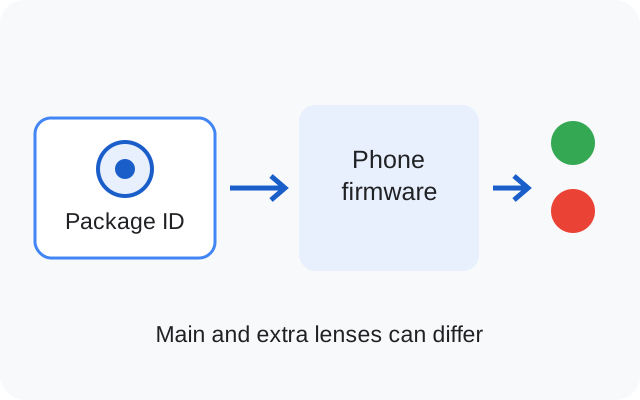
Separate installation from camera support
An APK can fail before you ever see a viewfinder. It can also install successfully and still fail when opening a particular lens or saving a photo. Write down which stage fails. The remedy for an Android installer error is different from the remedy for a bad XML camera ID.
Use the complete filename from the release archive. Files with similar display names may have different packages, target API levels or native libraries. The owner's separate APK has package com.lmc84.app and version 1.0.0; its historical manifest details cannot be used to establish the requirements of Hasli's R18F1 files.
What newer Android versions can change
Android 14 blocks new installation of apps targeting an API level below 23. Android 15 raises that minimum target level to 24. These are operating-system installation rules, separate from an APK's minimum Android requirement. The platform documentation is linked below.
Android 15 also supports devices with 16 KB memory pages, which can expose compatibility problems in older native libraries. That does not mean every Android 15 phone uses that configuration or every LMC file has the same problem. On Android 16, read the actual installer message and use requirements for the exact file. This site has not inspected every Hasli APK's target SDK, native-library alignment or signing certificate, so it does not mark the whole family as passing these checks.
What Camera2 support tells you
Android's Camera2 API describes the camera capabilities available to an app. Its hardware support levels include LEGACY, LIMITED, FULL and LEVEL_3. RAW and manual-control capabilities are separate properties. A capability report can help explain a limit, but a high support level is not a certificate that every camera port works.
A manufacturer can expose different cameras or capabilities to different apps. Check the exact phone model and the source's firmware notes. Where the index recommends Snapcam or Aweme on stock OxygenOS, that advice does not automatically apply to a custom ROM or another OnePlus model.
Run a small compatibility check
- Keep the stock camera available and back up a working LMC setup.
- Record the phone model code, chipset variant, firmware and Android version.
- Install the exact source-listed package using Android's normal installer.
- Open the main rear camera with defaults, save a photo and reopen it.
- Check selfie, each auxiliary lens and a basic video setting separately.
- Import a matching XML only after default operation works, then repeat the relevant checks.
Respect installer and device-protection warnings. An XML cannot resolve a target-SDK installation block, change an APK's native libraries or add a camera the firmware does not expose.
What to record when it fails
Keep the exact error text, the action that caused it and the settings in use. Note whether it happens with defaults, after an XML import or only on one lens. A report that says 'Android 15 does not work' loses the details needed to reproduce the problem.
Use the crash diagnosis for those symptoms and the correction channels for an error in this site's guidance. Published device-specific observations would strengthen the evidence; the founder's broad testing statement is disclosed separately in the testing policy.