LMC / INDEPENDENT GUIDE

LMC 8.4 R17 APK Download: Files & Release Notes

R17 adds highlight, Sabre-noise and sharpening-radius controls, plus Samsung metering under System Setup. Choose it when you want those manual adjustments, then compare saved output with your existing settings.

Hub listing date2023-05-03
Separate fix dateNot confirmed
Minimum AndroidNot stated in source

Documented changes

  • New TEST patcher controls adjust LDR highlights, Sabre noise, and highlight preservation.
  • The Gain section gains radius controls; the main Sharp Gain must be above zero for them to activate.
  • Samsung metering mode and other corrections were added.

Configuration and known limits

  • The generic package explanation mentions qcamera3 and ruler, but neither is an actual R17 file on this release page.

Use the R16+ index linked below. Match the explicit release assignment and phone variant. R15 presets on later builds need testing; indexed files are community contributions.

Configuration reference ↗

Install and test this build

Export existing settings before replacing an app with the same package ID. Install one variant, confirm default camera operation, then load a matched XML and test each lens separately. See APK installation, XML import, and crash diagnosis.

Unverified metadata

  • Minimum Android version, file size, cryptographic hash, and exact upstream patch number were not confirmed by this release page.
Exact files and package choices

Variant / exact filenameAndroid package IDAvailability
DefaultLMC8.4_R17.apkcom.google.android.GoogleCameraLMCR17Find this APK in the original archive ↗
SnapcamLMC8.4_R17_Snapcam.apkorg.codeaurora.snapcamFind this APK in the original archive ↗
AwemeLMC8.4_R17_Aweme.apkcom.ss.android.ugc.awemeFind this APK in the original archive ↗
Scan3DLMC8.4_R17_Scan3D.apkcom.samsung.android.scan3dFind this APK in the original archive ↗
Google LensLMC8.4_R17_Google_Lens.apkcom.google.android.GoogleCameraEngFind this APK in the original archive ↗

Compare package IDs · Browse XML evidence · All researched releases

When does R17 make sense?

A reason to try it

Relevant changes

You need those specific patcher controls or want to test Samsung metering.

A reason to keep your current setup

Your current setup

Your existing XML gives the balance of detail, noise and highlights you prefer.

What to check when you switch

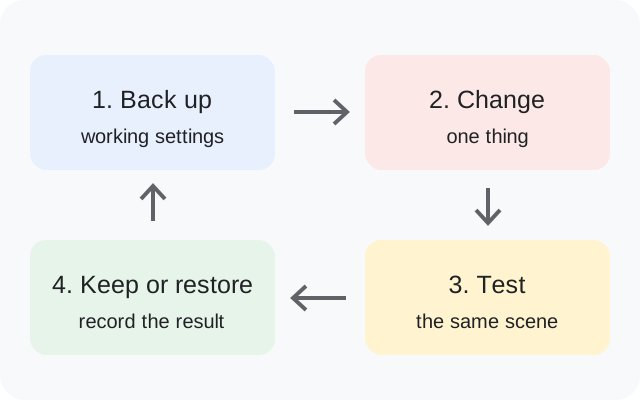
  1. Save an untouched copy of your XML.
  2. Confirm Sharp Gain is above zero before evaluating Radius Gain.
  3. Change one processing option at a time and compare the same scene.
Before importing your XML

Radius controls do not activate while the main Sharp Gain is zero.

Back up, change one thing, test the same scene, then keep or restore the setup
Original backup and testing diagram.

R17 questions answered

Why do Radius Gain adjustments appear ineffective?

The release notes specify that main Sharp Gain must exceed zero.

Where is Samsung metering?

The documented location is System Setup.

Does R17 provide a Ruler APK?

Its package explanation mentions Ruler, but the actual R17 file list does not include one. Choose from the listed files.

Release facts: developer notes ↗. See the APK testing disclosure.

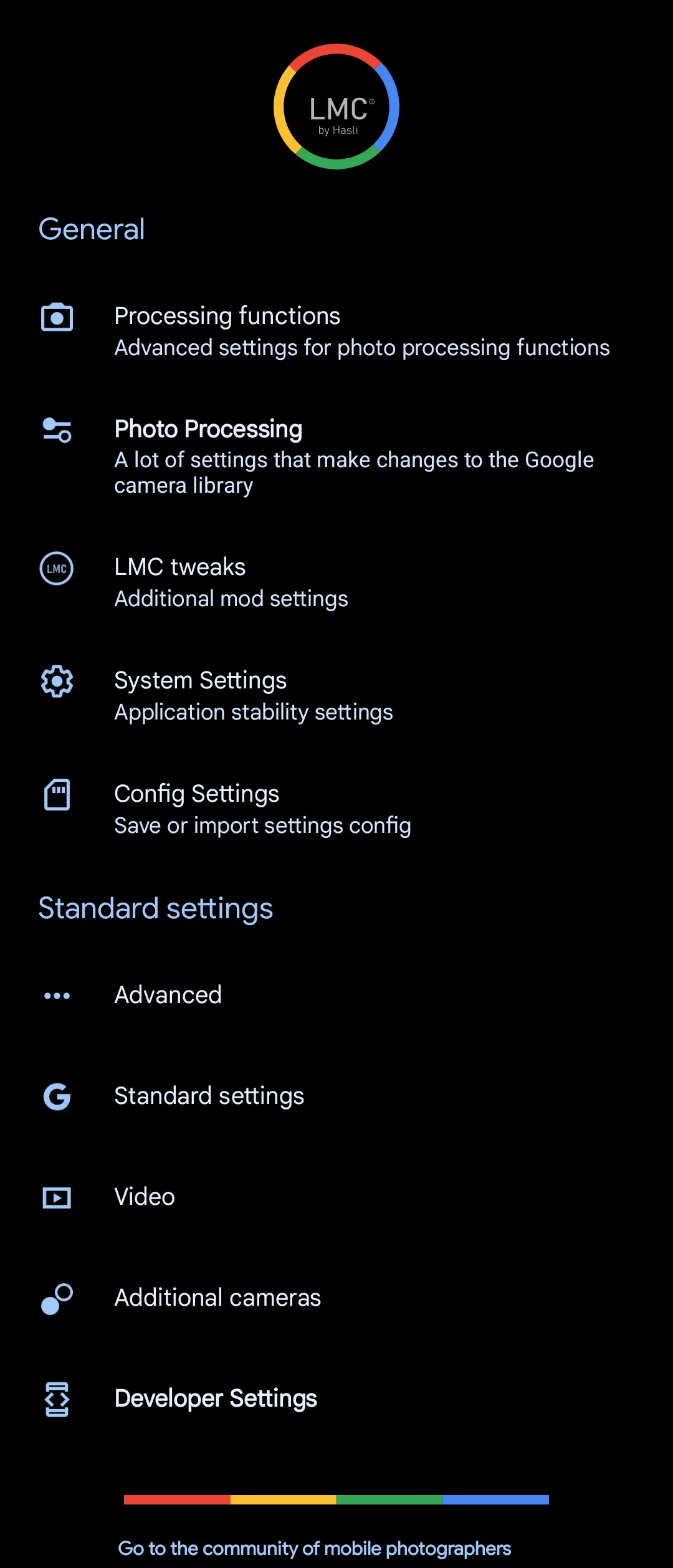
Source interface reference

R17 source interface illustration
Source-provided illustration for R17. It does not establish a separate fix-build screenshot.

Sources & editorial responsibility

Release and setup references are listed below. Read the testing and evidence policy for the scope of Muzamil Ahad’s reported APK testing.

Founder & APK reviewer: Muzamil Ahad. How the guide was researched · Report a correction.